Goal grid
Centre: the goal · 1–8: its pillars · each numbered block: that pillar's eight actions
Review
1
2
3
4
1
2
3
4
Goal
5
6
7
8
5
6
7
8
Centre: the goal · 1–8: its pillars · each numbered block: that pillar's eight actions
Review
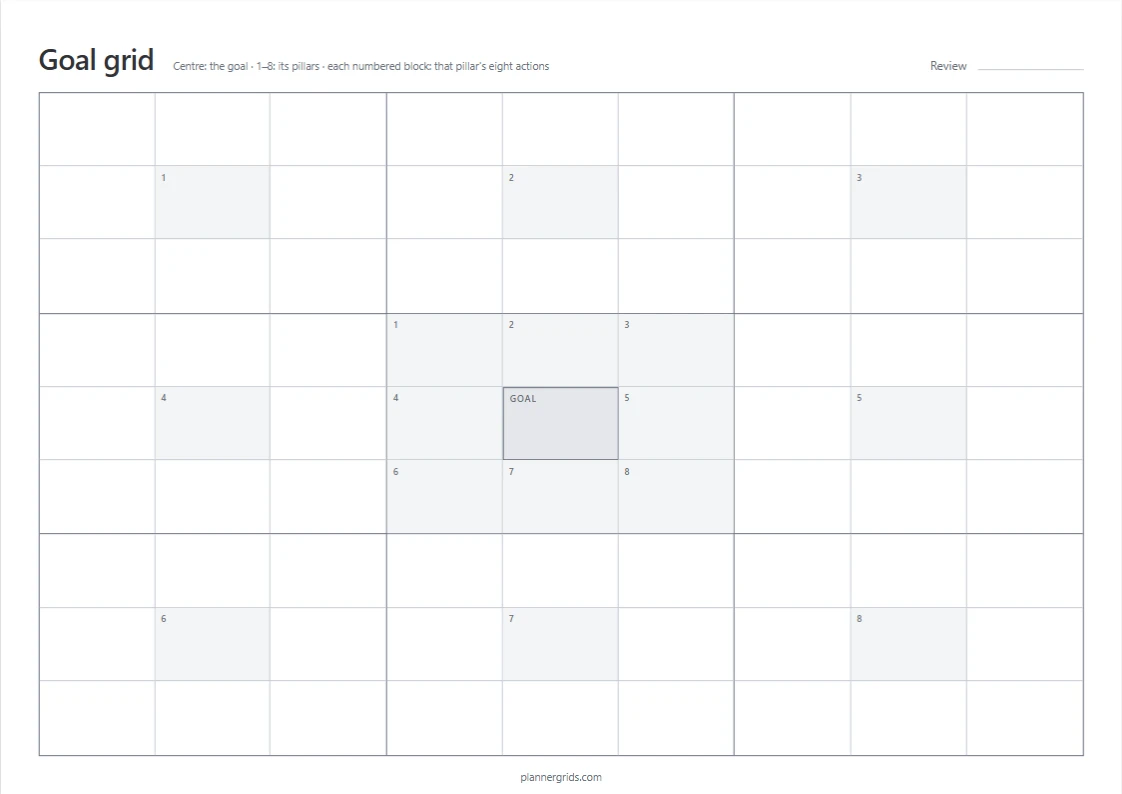
This free 9×9 goal grid is a blank sheet for a layout often called a Harada method chart, an Ohtani goal chart or a mandala chart. Write one goal in the centre, the eight pillars it depends on around it, and eight actions for each pillar: 64 actions on one page. Print it on A4 or US Letter, or save it as a PDF.
A 9×9 goal grid is a goal-setting chart of 81 boxes arranged as nine 3×3 blocks: one central goal, eight supporting pillars, and eight concrete actions for each pillar. It turns one large goal into 64 small, visible steps.
The sheet is nine blocks of nine boxes. Write your goal in the middle of the centre block — one sentence, specific enough to know when you have reached it. Around it, the eight numbered boxes are the pillars: the areas the goal depends on. For a small business those might be pricing, marketing, product, support, hiring, cash, health and skills.
Each pillar number repeats in the middle of its own block, so pillar 3 heads block 3. Fill that block with eight concrete actions for that pillar — “post three times a week”, “email twenty past customers”, “raise prices on the two cheapest plans”. Eight pillars × eight actions gives you 64 actions on one page.
You will not fill all 64 boxes in one sitting, and you do not have to. The empty boxes are the useful part: they show which pillar you have no plan for yet. Leave the sheet where you can see it, and use the Review line at the top to note when you will look at it again.
| Name | Where it comes from | On this page |
|---|---|---|
| Mandala chart | Yasuo Matsumura's framework, developed in Japan in 1979 | The 9×9 layout |
| Harada method | Takashi Harada's goal-setting method; Open Window 64 is one of its worksheets | One goal, 8 pillars, 64 actions |
| Ohtani goal chart | A well-known filled example of Open Window 64, completed by Shohei Ohtani in high school | A blank layout for your own goal |
The grid is a way of breaking a vague goal into measurable pieces — it is a sheet of paper, not a guarantee. What it does well is make gaps visible: a pillar with two actions next to one with eight tells you where to think next.
Landscape gives wider boxes, which suits short written phrases; portrait gives taller boxes with room for two or three lines. Choose Standard, Atkinson Hyperlegible Next, or Lexend for the printed labels. The sheet has no dates, so you can print a fresh copy for any goal.
Already know the method? Turn off Show guide numbers in Settings and the sheet prints as a blank 9×9 grid without numbers — no numbers, shading, or explanation, just the nine blocks and 81 empty boxes.
Ready to schedule the actions? Put them in a dated calendar grid for the weeks ahead, or an undated weekly planner for a week you fill in by hand.
Pick A4 (210 × 297 mm) or US Letter (8.5 × 11 in) in your print dialog. The sheet adapts to the selected paper in browsers that support this layout. Safari uses the A4 layout; use its fit-to-page option for other paper sizes and check the preview before printing. Print controls vary by browser and device.